Explore Resources
The “Explore Resources” page is the EAASI platform’s main portal for discovering resources available to the current user account.
Each resource card has visual tags to quickly display relevant information like the Resource Type (Environment, Software, Content or Image).
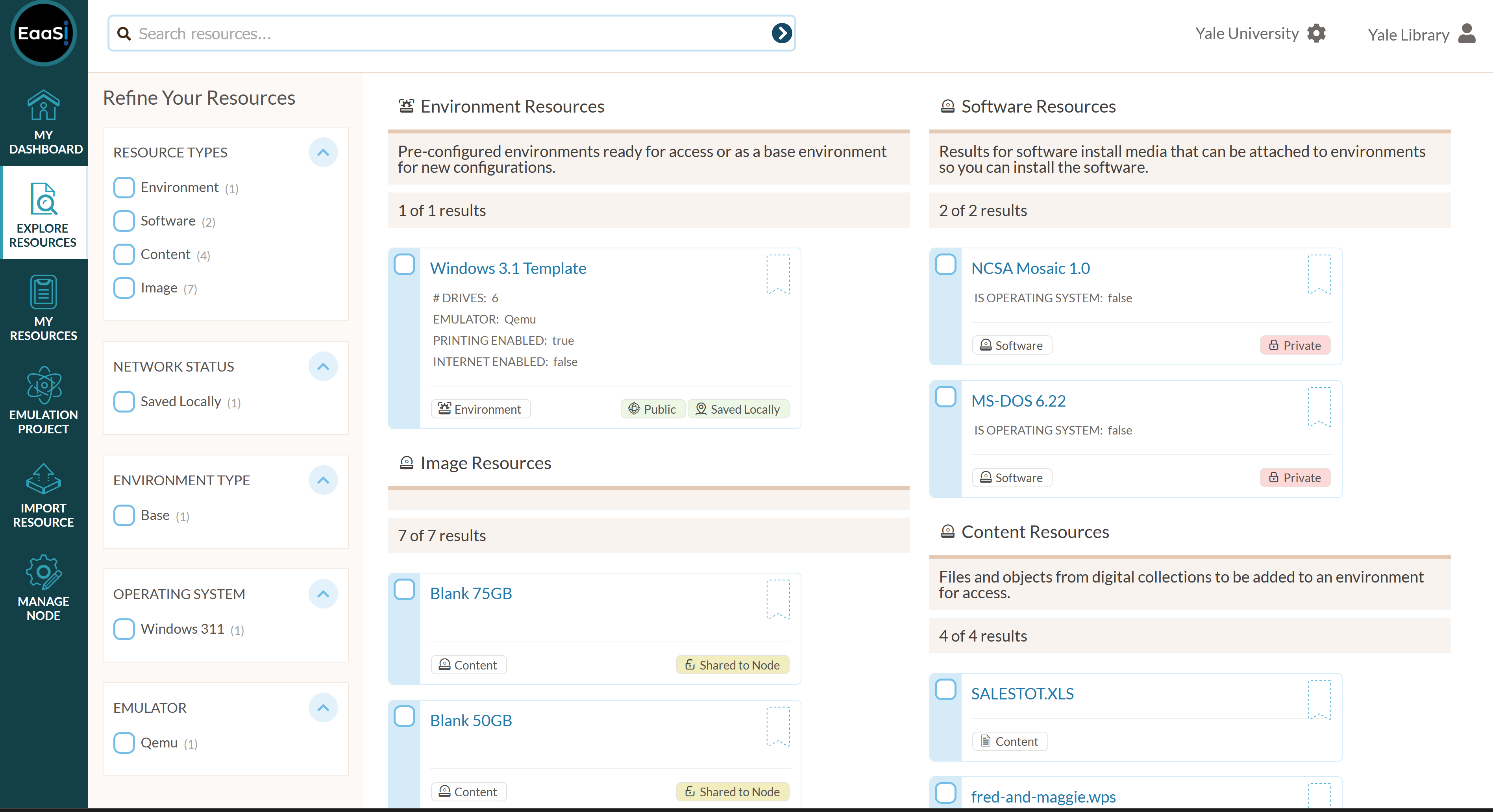
The Explore Resources page will display the first 10 resources within each resource category - Environments (which includes both Base and Content Environments), Software and Content. If there are more than 10 resources available in any given category, users can use the “Refine Your Results” sidebar to more narrowly browse, or use the search bar at the top of the screen to find a particular resource.
Note
The “Search resources” bar currently only performs a free-text search based on resource names. Advanced search based on particular metadata fields (Description, Operating System, etc.) is under development.
Any resource on the Explore Resources page can be bookmarked by the logged-in user by clicking the bookmark icon at the top right corner of the resource card:
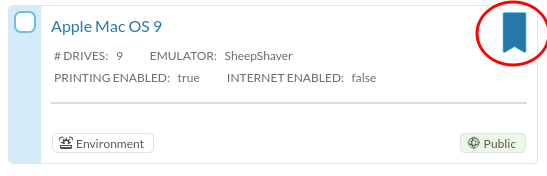
A bookmarked resource will then be visible on the My Resources page for quick reference/use later.
Environment Results
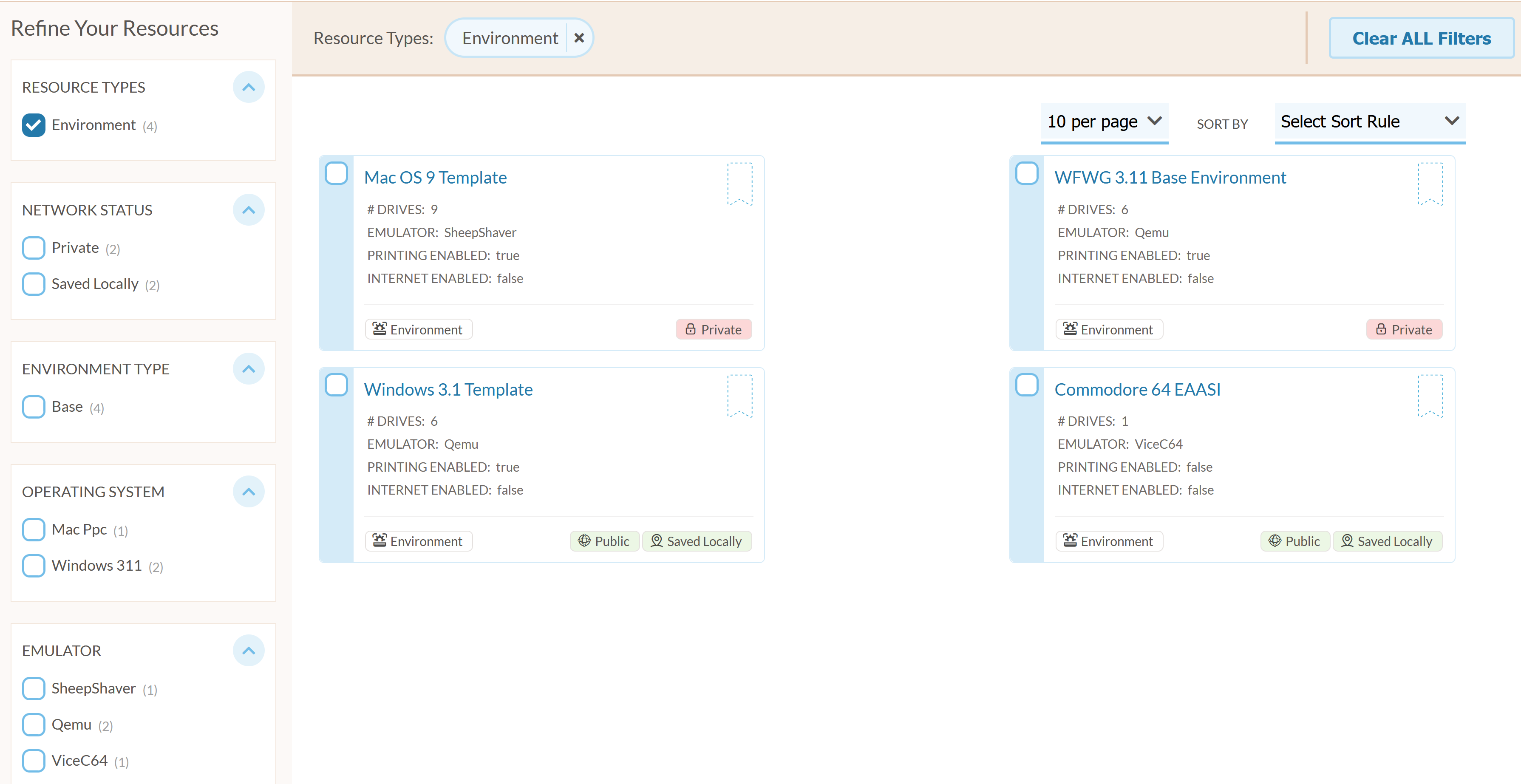
Environment resources can be refined by “Network Status.”
Warning
“Network Status” refers to an outdated and no-longer-applicable model of sharing Environments between EAASI servers that was explored during the platform’s grant-funded cycle. This language will be replaced entirely in “Next-Gen EAASI,” but due to complexities in the legacy code, could not be replaced in v2021-10.
Saved Locally (Published and visible to ALL user accounts, regardless of their Organization; please note that any Environments tagged “Saved Locally” will also be tagged “Public”, for the same legacy reasons explained in the warning above)
Private (only available to the currently-logged-in user account)
By default, any new Environments, (including any derivatives or revisions of Environments that are Saved Locally) are “Private”.
Software Results
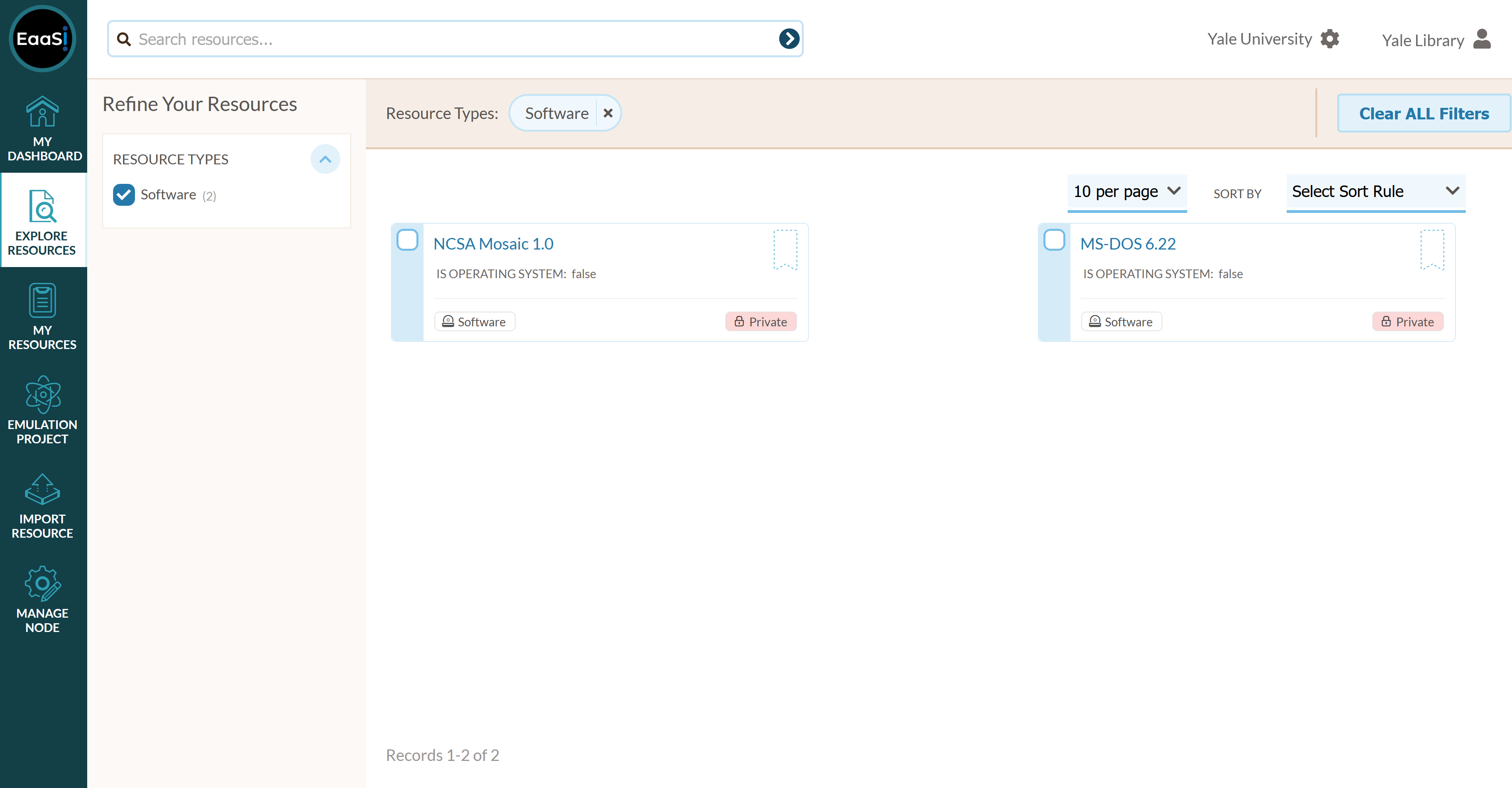
Software resource results can only be minimally sorted and refined until further development of the EAASI metadata application profile.
Content Results
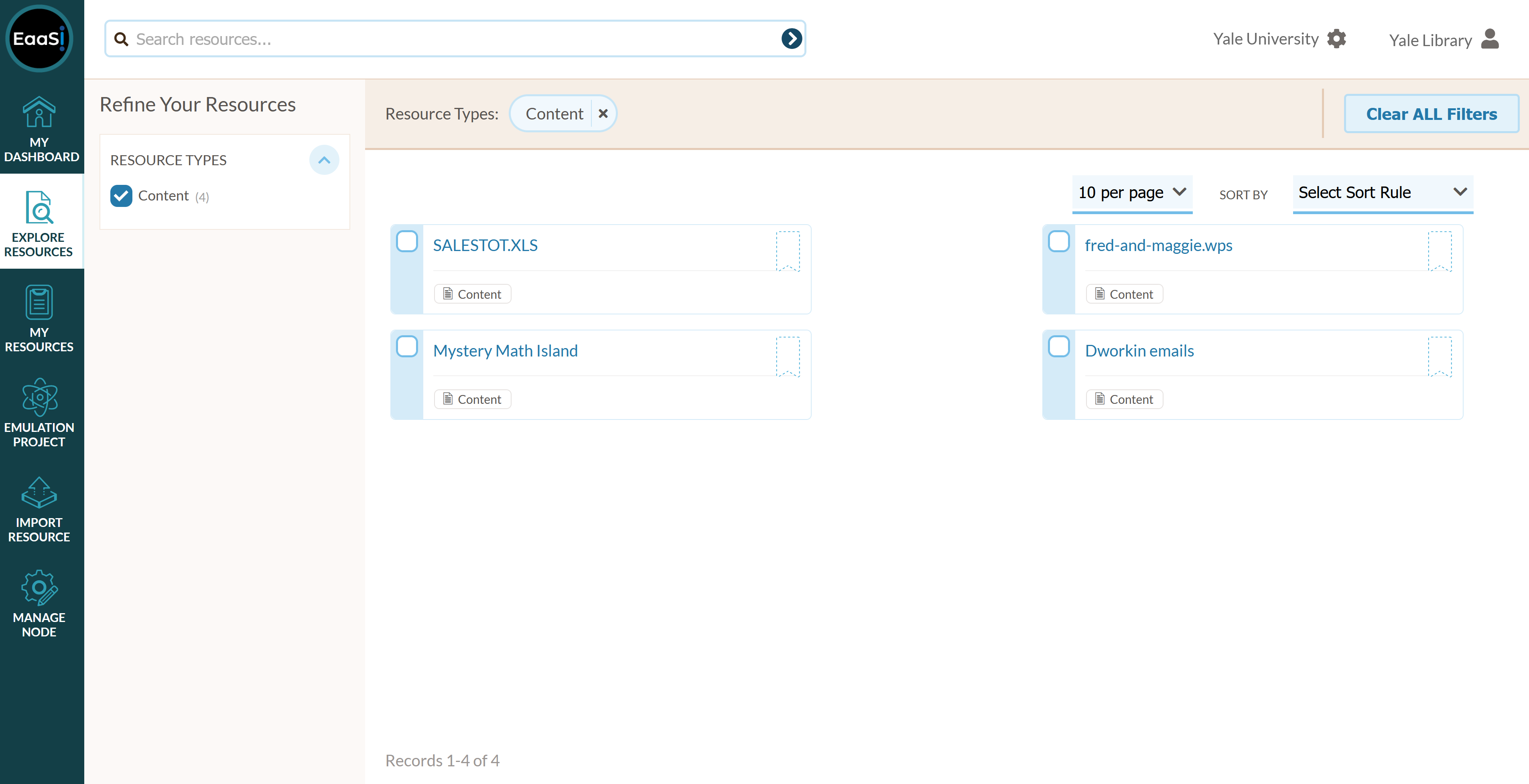
Content results can only be minimally sorted and refined until further development of the EAASI metadata application profile.
Image Results
Due to technical limitations within the v2021.10 codebase (see Importing Computer Images), Computer Image resources that have been imported to an EAASI server are visible in resource search results, to all user accounts in the server - however, there is no way to functionally interact with these resources via the Emulation Project or Emulation Access interfaces. See New Environments from Scratch for details on how to make use of Computer Image resources.
Actions Menu
Clicking on the top left corner of any resource card will activate a slide menu containing contextual “Actions” for that resource:
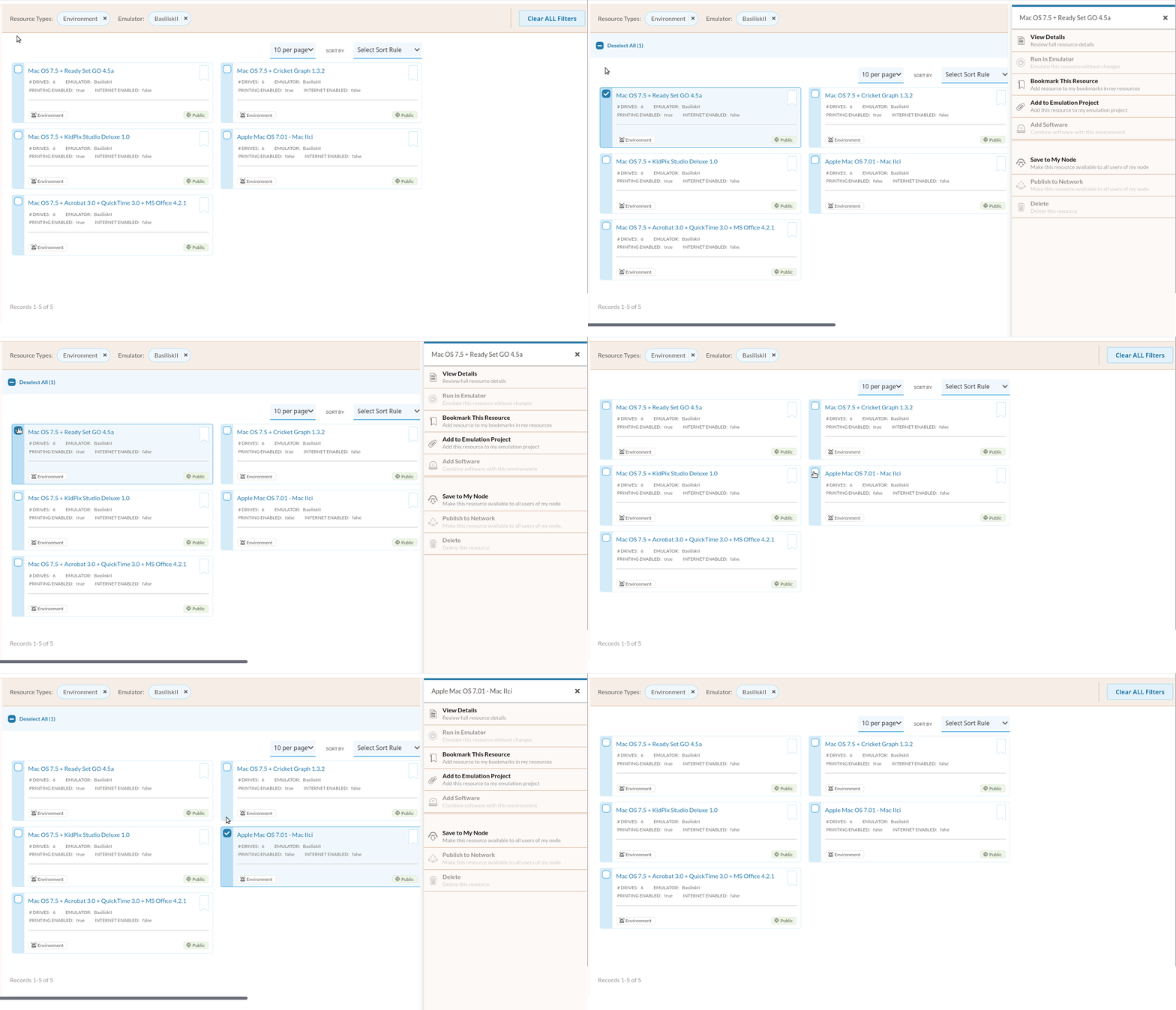
“View Details” will take the user to that resource’s Details page (same as clicking on the resource name/title)
“Run in Emulator” opens an Emulation Access session using that Environment
“Bookmark This Resource” adds the resource to bookmarks on the My Resources page (same action as clicking the bookmark icon)
“Add to Emulation Project” adds the resource to the user’s current Emulation Project
“Add Software” allows the user to select a Software resource from a dropdown menu, then opens that Environment in the Emulation Access interface with the Software resource attached
“Publish to Network” (Private Environment resources only) makes an Environment available for ALL user accounts in ALL organizations across an EAASI server - the Environment tag will change from “Private” to “Saved Locally” - see warning below
“Delete” (Private Environment, Software and Content resources only) removes the selected resource
Warning
v2021.10 of EAASI and its sharing features - including “Publishing” - were designed EAASI’s experimental grant-funded cycle, and likely have larger-than-intended repercussions for who can then access and use your Environment and its data. Unfortunately, technical limitations and complexities in the code also meant we could not remove this function altogether before deployment.
Unless you are extremely confident that you want your Environment to be available to all other accounts in the server, do not select “Publish to Network”.